
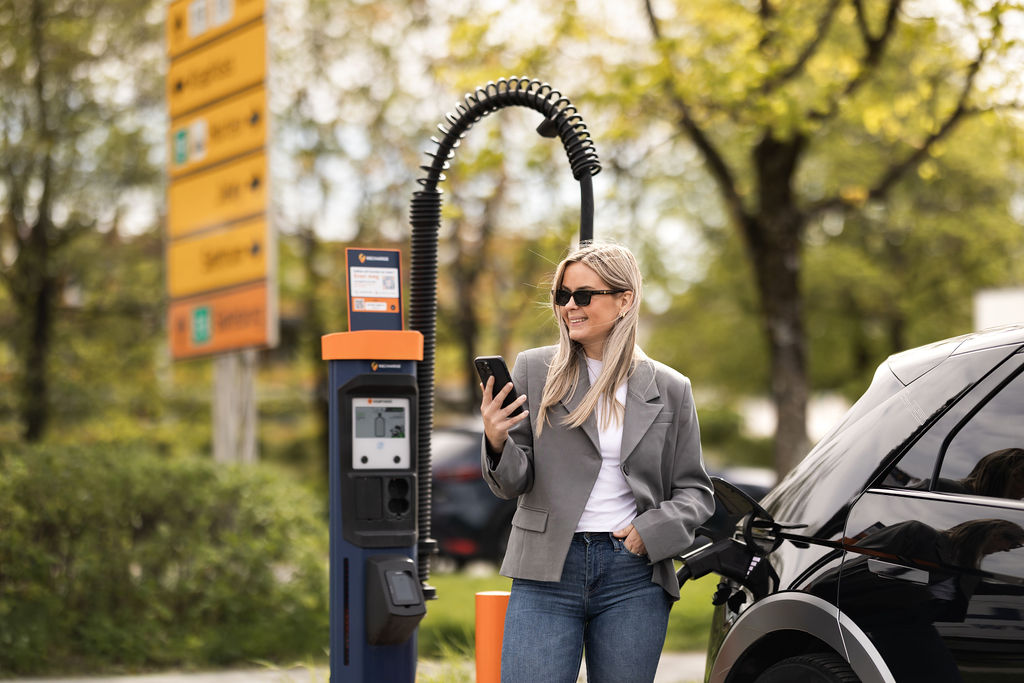
ENG – How to charge
How to charge with Recharge
We believe it should be easy to charge your EV. Therefore, we let you choose how you want to start and pay for charging at our charging stations. You can charge your EV with an RFID card or tag or app from several e-mobility service providers, or you can choose one of our simple drop-in services.
Recharge app
For better pricing and full control.
Make sure to register in the app before connecting the charger to your vehicle. Simply follow the instructions on your phone.
Card payment
- Connect the charger to your vehicle.
- START
Tap your payment card on the terminal. - STOP
Follow the instructions on the terminal.
Charging card or tag
- Connect the charger to your vehicle.
- START
Tap your charging tag on the symbol on the screen. - STOP
Tap your charging tag on the symbol on the screen.
QR-code payment
- Scan QR-code.
- START
Follow the instructions on your phone. At some charging stations, you also need to press “Start” on the screen. - STOP
Follow the instructions in your browser.
FIND CHARGER
Find a charger near you
See all charging stations, availability and power on the map.


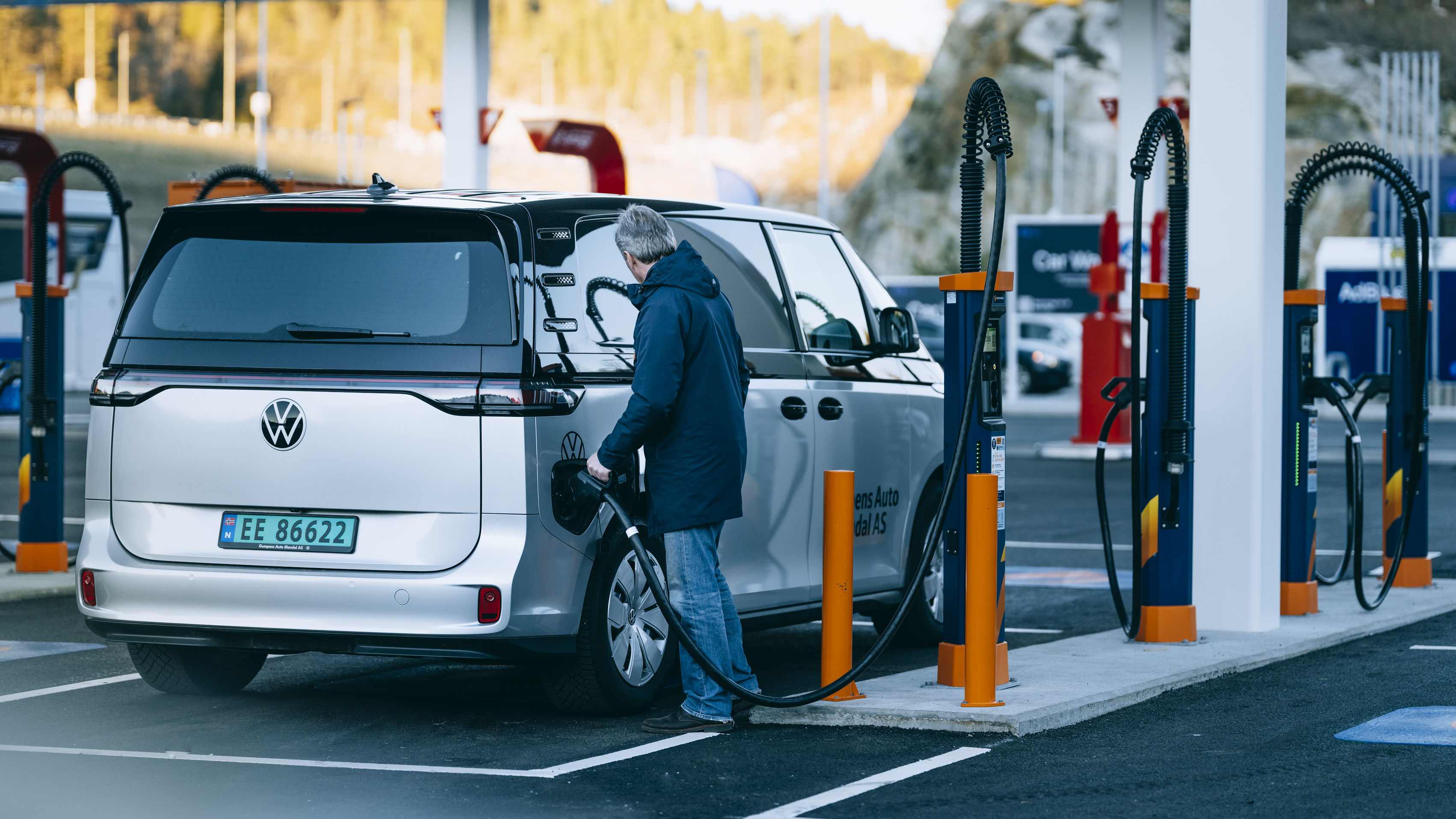
Questions and answers about charging electric cars
Everything you need to know about electric car charging – answers to the most common questions about payment, charging and using the app.